Built for Veteran Posts
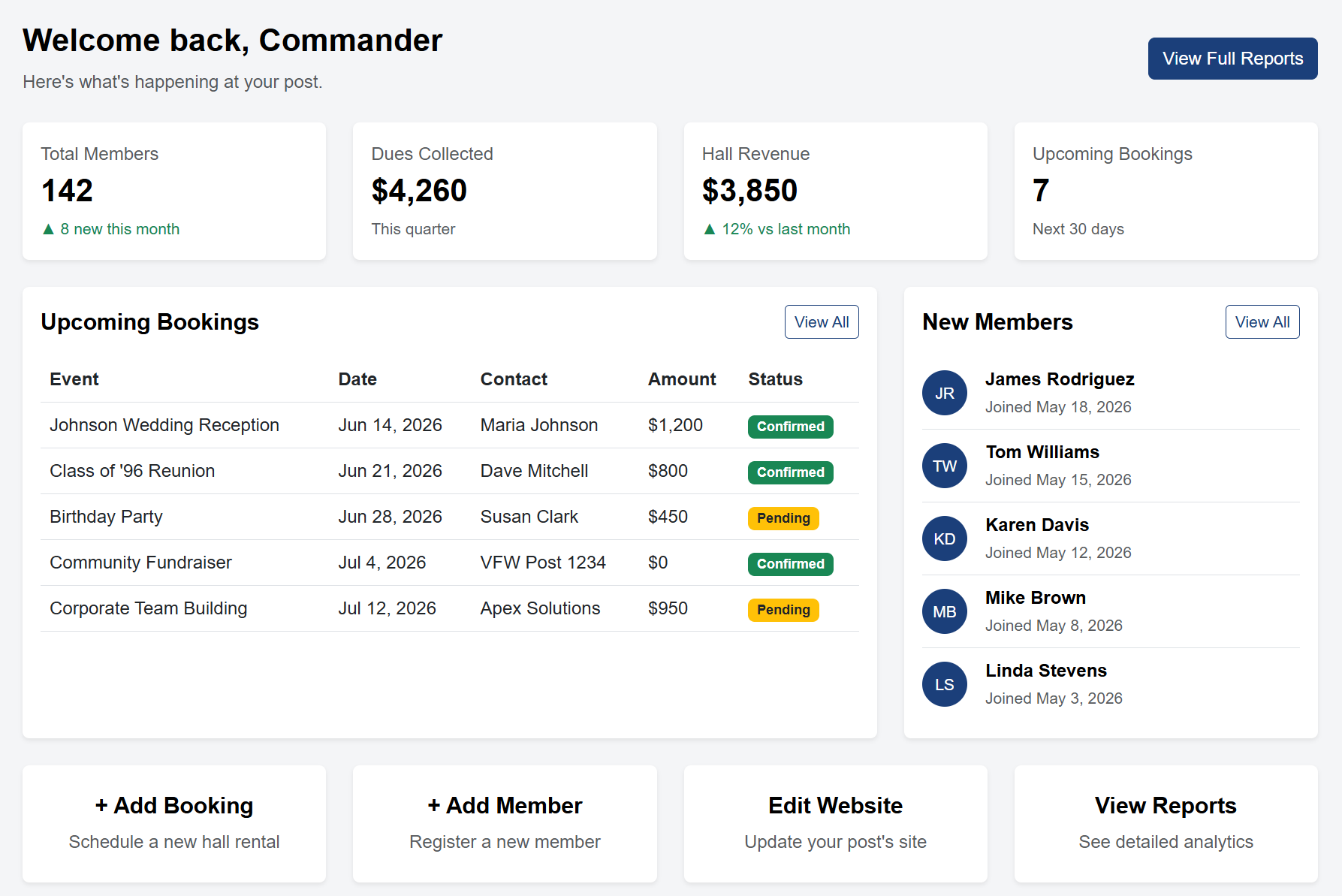
Grow and Modernize Your Veterans Post
Manage hall bookings, memberships, and your post's website, all in one place. Simple, affordable tools built specifically for posts like yours.
Thanks for your interest! We're not quite ready for every post yet. Add your name below and we'll notify you as soon as we are.
Thanks for signing up. We'll email you as soon as Grow My Post launches.
Manage hall bookings, memberships, and your post's website, all in one place. Simple, affordable tools built specifically for posts like yours.
A suite of features designed to boost revenue and grow membership.
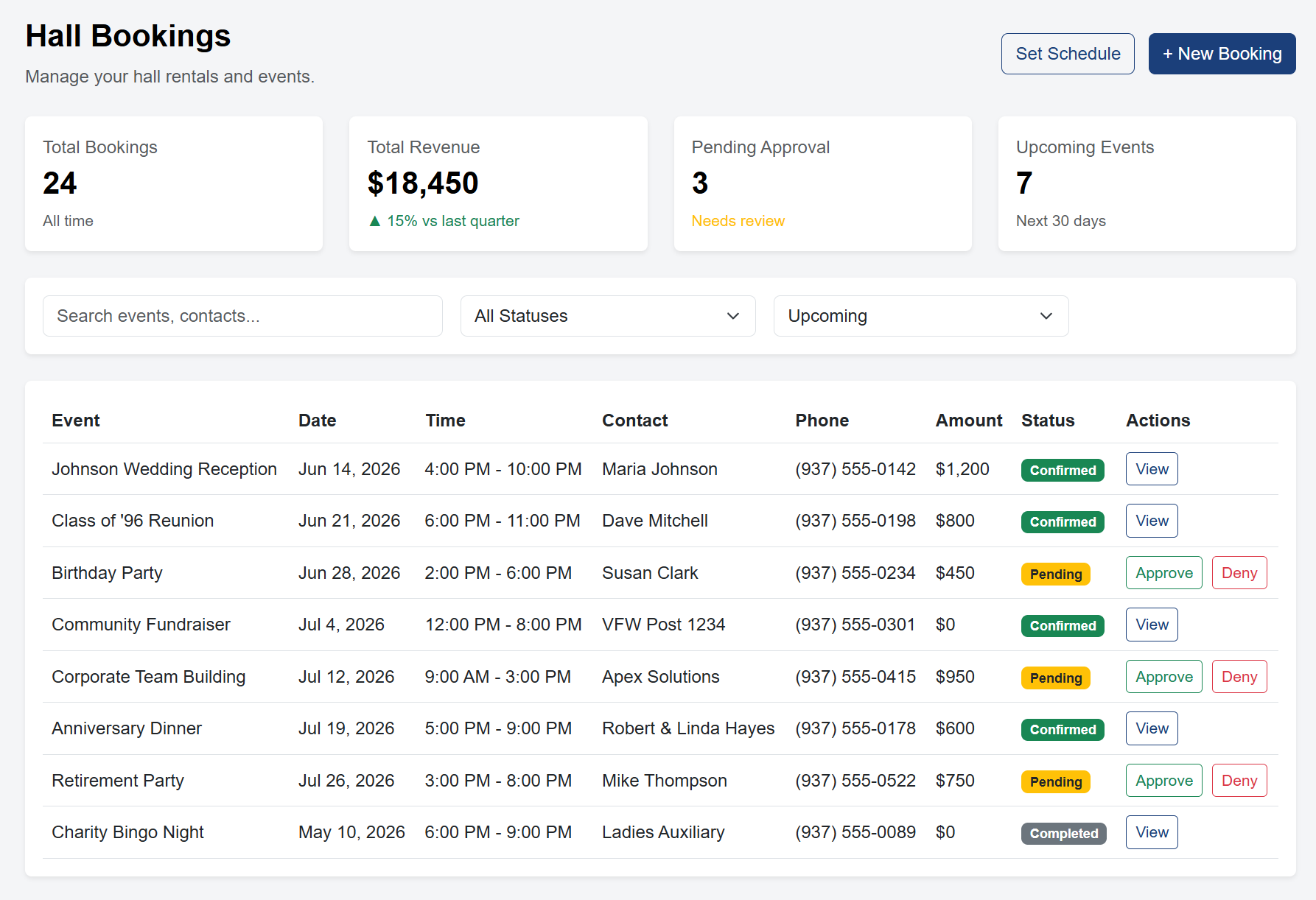
Let the community book your hall online: no more phone tag or back-and-forth emails. Set your availability, pricing, and booking rules, and let the system handle the rest.
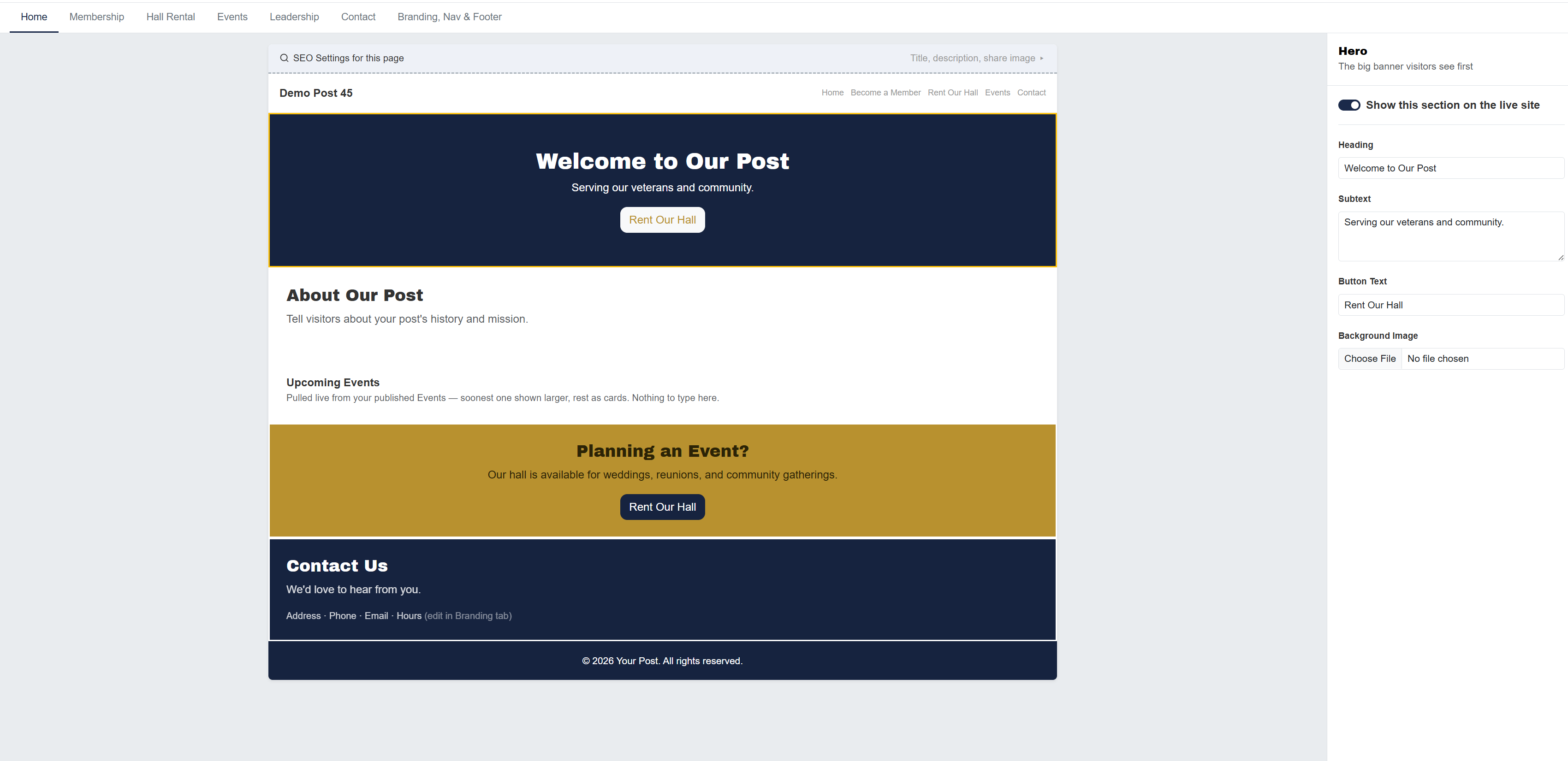
Give your post a modern online presence in minutes. Pick a template, customize it with your branding, and publish: no coding or web experience needed.
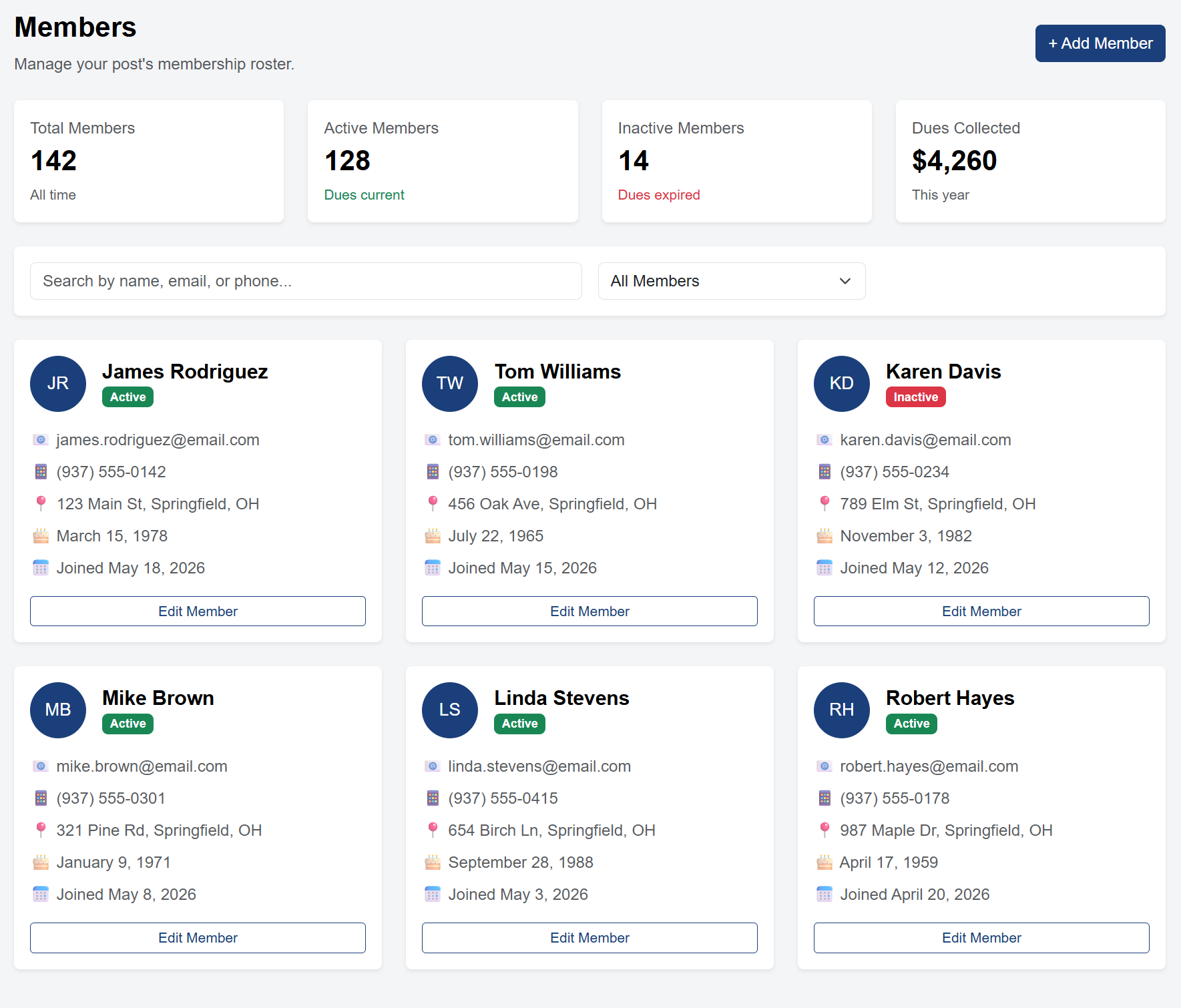
Keep your post's roster organized and let new members apply online. No more paper sign-up sheets or scattered spreadsheets.
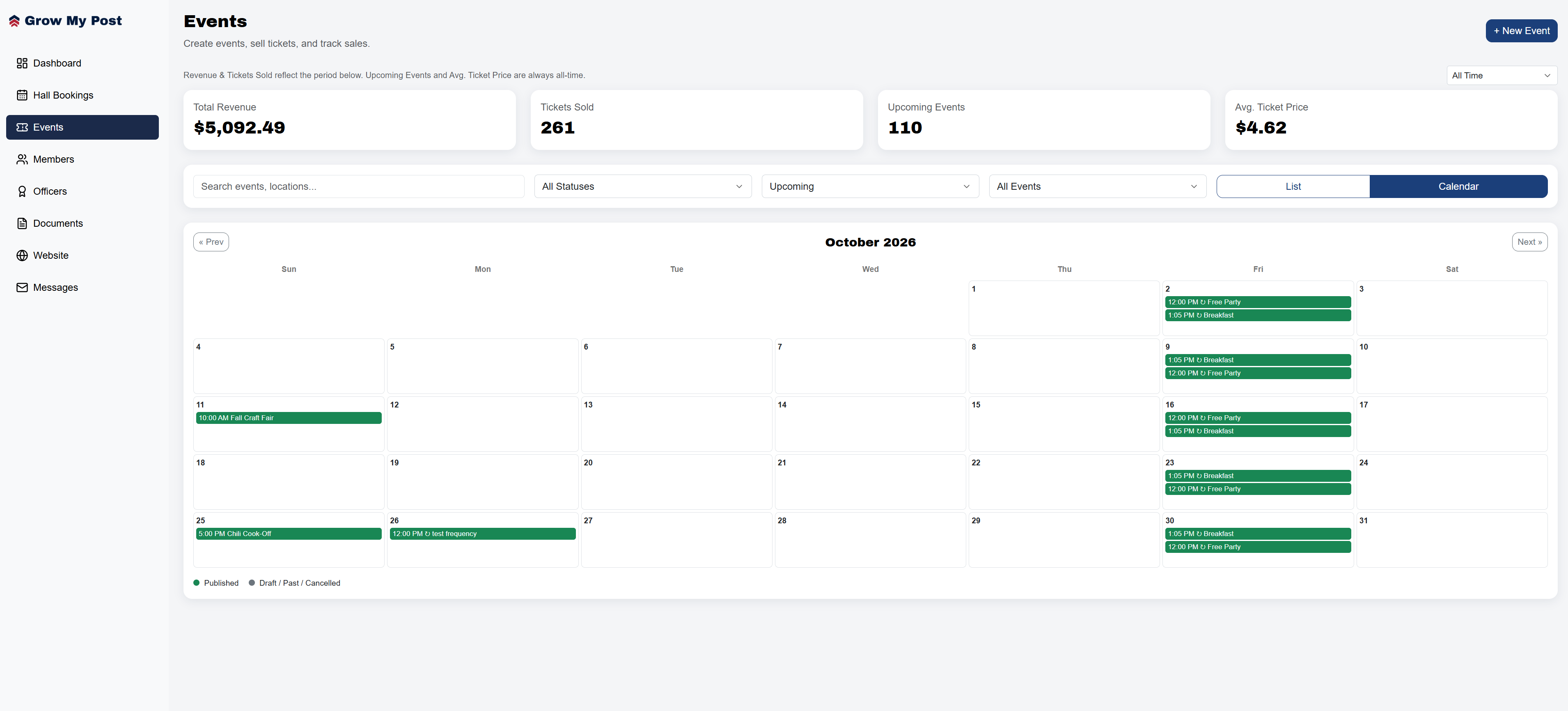
Post an event on your site and sell tickets straight from it: no third-party ticketing site, no manual list-keeping at the door.
Get your post up and running in three simple steps.
Create your account and start your 7-day free trial. No credit card required.
Choose a website template, add your hall availability, and invite your members.
Book more hall rentals, welcome new members, and watch your post thrive.
Too many veteran posts are stuck with outdated tools, paper sign-up sheets, and websites that haven't been updated in years. Grow My Post was built to change that.
We believe every post deserves modern tools without the complexity or cost that comes with enterprise software. Whether you're a small VFW post trying to fill your hall on weekends or a large post looking to streamline membership, GMP gives you everything you need in one place, simple, affordable, and built specifically for you.
Video Coming Soon
Hear from posts already using Grow My Post.
"Placeholder testimonial quote goes here. Swap in a real quote from a post once available."
Post Name
City, State
"Placeholder testimonial quote goes here. Swap in a real quote from a post once available."
Post Name
City, State
"Placeholder testimonial quote goes here. Swap in a real quote from a post once available."
Post Name
City, State
One plan with everything included. No hidden fees. No feature gates.
That's just $24.58/month
Both plans include all features. Your post keeps 100% of its earnings. We never take a cut of your revenue.
Be among the first posts to get access. Join the waitlist today.
Join the Waitlist